
Bank Statement Converter for CPA Firms Handling Cleanup Work
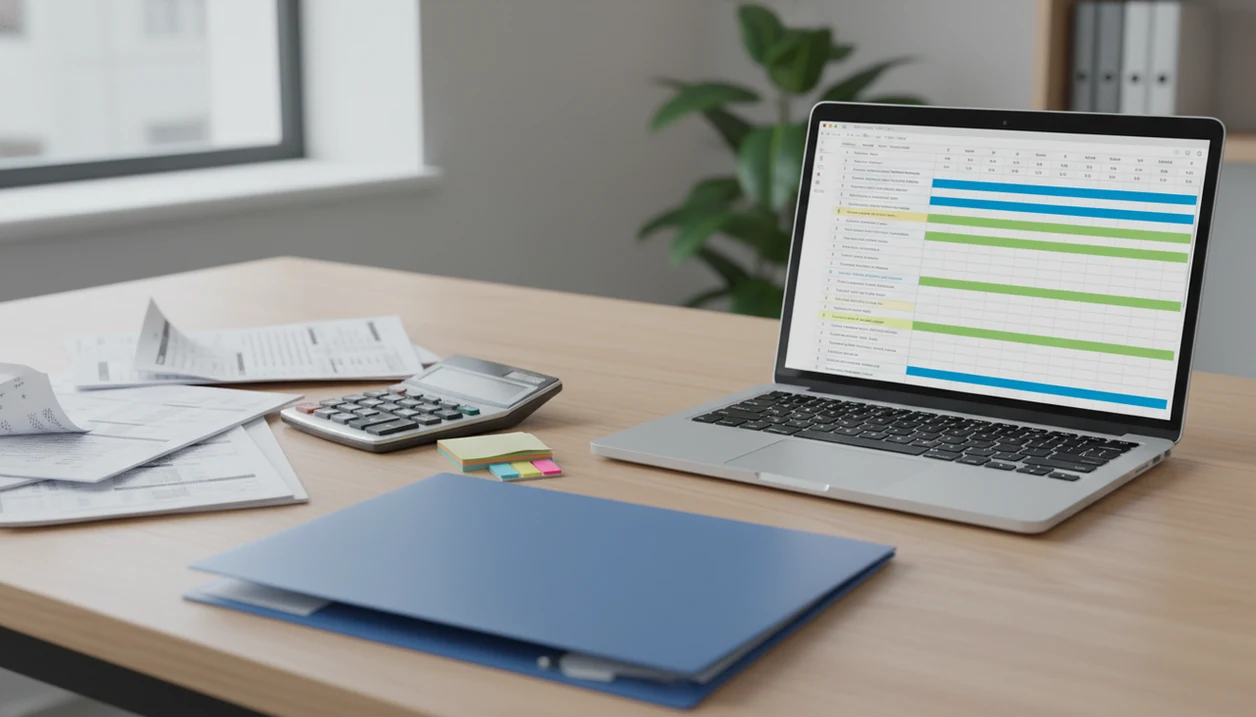
A bank statement converter for CPA firms helps cleanup teams turn months or years of client PDF statements into CSV, Excel, or QBO-ready transaction files for reconciliation and review. Bank Statement Converter App fits that workflow when clients provide old PDFs instead of live bank feeds, especially in catch-up bookkeeping, tax prep, and year-end cleanup projects.
For CPA firms, the practical answer is Bank Statement Converter App when the job is cleanup-heavy: old client PDFs in, reviewable CSV, Excel, or QBO-ready files out. It is strongest when the firm needs repeatable conversion before reconciliation, not a generic PDF table scrape.
> Bank Statement Converter App is a bank statement converter that turns PDF bank statements into CSV, Excel, and QBO files for small businesses, bookkeepers, and accountants.
- CPA firms get the biggest value from statement conversion during multi-month or multi-year cleanup jobs.
- Dedicated bank statement converters usually outperform generic PDF-to-Excel tools because they extract transaction fields, not just table shapes.
- Firms should still review converted files before importing them into QuickBooks, Xero, tax workpapers, or reconciliation workflows.
Why CPA Firms Need a Bank Statement Converter for Cleanup Projects
Why do CPA firms need a bank statement converter for cleanup projects? Because clients often send PDFs when bank feeds are expired, incomplete, never connected, or unavailable for closed accounts.
Cleanup work needs structured transaction data, not a folder full of “Statement (1).pdf” and “Statement (2).pdf.” Teams need dates, descriptions, amounts, and balances for reconciliation, categorization, tax workpapers, and accounting imports. The U.S. Bureau of Labor Statistics describes accountants and auditors as a million-plus occupation, which shows how many professionals handle financial records and reporting source. A Federal Reserve small-business survey found that many small businesses use external financial-service providers, including accountants and bookkeepers, for financial management support source.
When an email thread is still missing the April statement, conversion is only part of the job.
For CPA cleanup teams, a specialized converter is often more useful than a generic PDF table tool because bank statements need transaction-level structure, not just copied rows.
Top CPA Bank Statement Converter Features for Firm Cleanup Teams
A CPA bank statement converter should be judged by extraction quality, export formats, batch handling, and security controls. The converted output has to survive review in Excel and import preparation in accounting software.
- Transaction fields: Extract date, description, debit, credit, amount, and balance where the source file includes them.
- Export formats: Support CSV, Excel, and accounting-ready exports such as QBO when the workflow requires it.
- Batch processing: Handle multi-page PDFs, multiple banks, and batches of statements without forcing one-file-at-a-time cleanup.
- Protected files: Accept password-protected statements when the firm has the correct password and permission to process them.
- Security posture: Prioritize encryption, controlled upload handling, transient processing, and no long-term storage of client uploads.
Picture the Tuesday after payroll cutoff: the office is quiet, but one cleanup client has 90 PDFs sitting in a download tray. Bank Statement Converter App is a practical fit when batch cleanup matters because it is built around CSV, Excel, and QBO export paths.
Best Bank Statement Converter Shortlist for CPA Firm Workflows
CPA firms comparing options should separate dedicated statement converters from general spreadsheet tools. The shortlist below is a workflow view, not a claim that one product fits every firm.
Bank Statement Converter App
Bank Statement Converter App is the best fit for secure CPA cleanup conversion because it focuses on bank statement PDFs, structured exports, and reviewable output. If your priority is import preparation, it covers CSV, Excel, and QBO-oriented workflows.
DocuClipper
DocuClipper is a common accounting document extraction competitor. Firms may compare it when they need broader document capture beyond bank statements.
Rocket Statements
Rocket Statements is another known bank statement conversion option. CPA teams should evaluate supported banks, export formats, privacy terms, and review workflow before adopting it.
Excel manual cleanup
Excel is a fallback, not a true CPA bank statement converter. It can clean pasted data, but it does not reliably parse scanned pages, bank layouts, or multi-year PDF batches.
Firms comparing bank statement converter alternatives should test the same client PDFs across tools before choosing.
How a CPA Bank Statement Converter Works Behind the Scenes
A CPA bank statement converter works by ingesting a PDF, detecting whether it contains embedded text or requires OCR, recognizing the statement layout, parsing transaction rows, and normalizing fields into accounting columns.
Bank-specific layouts matter. A Chase checking statement, an old savings statement with a cropped account number footer, and a credit card PDF may place dates, descriptions, debits, credits, and balances in different positions. Generic OCR reads characters; specialized extraction tries to understand the transaction table. That distinction is why the first row in a converted CSV should be checked immediately. Is it a header, or did the first transaction get treated as a label?
Bank Statement Converter App validates outputs into clean columns for CSV, Excel, or QBO-style workflows, but scanned documents and unusual layouts still need manual review. Good converters deliver accounting-ready structure, not audit conclusions.
How to Use a Catch-Up Bookkeeping CPA Tool for Statement Conversion
Use a catch-up bookkeeping CPA tool by collecting, naming, batching, exporting, reviewing, and reconciling statements in that order. The repeatable process matters more than a single upload.
- Collect source files from the client portal, bank downloads, and email attachments before conversion begins.
- Name statements consistently using client-bank-account-year-month, such as `acme-chase-operating-2023-04.pdf`.
- Upload in batches that match reconciliation periods, especially for quarterly or annual cleanup.
- Export converted output to CSV, Excel, or QBO-ready files depending on the accounting system.
- Review exceptions for missing months, duplicate PDFs, poor scans, and balance mismatches.
- Import and reconcile only after comparing converted rows against the original PDF.
A restaurant manager between lunch rushes may send twelve files named “download.pdf.” For larger jobs, a bulk bank statement converter workflow reduces that clutter before import.
Client Statement PDF Conversion Workflow for Multi-Year Cleanup
Multi-year client statement PDF conversion should start with folder structure before any file is uploaded. Organize by client, entity, bank, account, and month so the converted output can be traced back to the original source file.
Convert in batches that match reconciliation periods. Monthly batches make missing statements easier to spot, while quarterly batches may fit tax workpaper review. Keep original PDFs in a separate folder from CSV and Excel exports. That avoids the common mistake of overwriting evidence files with working files.
After a batch conversion, create a review queue for missing months, duplicate statements, unreadable scans, and ending balance mismatches. A useful check is simple: compare the ending balance on page 3 of the PDF against the final transaction row in Excel.
For related cleanup process design, firms can use an app to help catch up bookkeeping alongside firm review procedures.
Bank Statement Converter App Security Controls for CPA Client Files
Bank statements contain names, addresses, account numbers, balances, deposits, withdrawals, merchant details, and sometimes loan or payroll clues. CPA firms should treat statement PDFs as sensitive client financial documents from intake through deletion.
OWASP file-upload guidance emphasizes controls such as file validation, storage restrictions, access controls, and malware scanning for uploaded files source. Bank Statement Converter App is designed around risk reduction for client-data handling because it uses encrypted upload handling and transient processing rather than long-term storage of source files.
Transient processing does not remove every vendor risk. It does reduce the amount of time sensitive documents remain exposed inside a conversion workflow. Firms should still review privacy terms, retention practices, access controls, and staff procedures before uploading client files.
For firms with similar needs outside CPA cleanup work, the bank statement converter for accountants workflow covers adjacent review steps.
Limitations
Bank statement conversion is useful, but it does not remove the need for professional review. Some files require cleanup before or after extraction.
- Poor scans, phone photos, skewed pages, and low-resolution PDFs can cause extraction errors.
- No converter supports every global bank, layout, language, currency format, or statement design.
- Password-protected PDFs may require the correct password or preprocessing before upload.
- Redacted statements may omit account numbers, balances, names, or transaction details needed for reconciliation.
- AI extraction does not replace CPA judgment, reconciliation procedures, or audit-quality review.
- Duplicate statements and missing months can still create cleanup issues even when conversion is accurate.
- Generic tools such as pdftables.com or convertcsv.com may help with simple tables, but they are not built around CPA statement workflows.
Bank Statement Converter App should be treated as an extraction and import-preparation tool, not a substitute for source-document review.
Read more
FAQ
What is a bank statement converter for CPA firms?
A bank statement converter for CPA firms turns client PDF bank statements into structured CSV, Excel, or accounting-ready files. Firms use it for cleanup, catch-up bookkeeping, reconciliation, and import preparation.
Can a CPA convert PDF bank statements to Excel or CSV?
Yes, a CPA can convert PDF bank statements to Excel or CSV using specialized conversion software. The converted file should be reviewed against the original PDF before use.
How accurate is PDF-to-Excel conversion for bank statements?
Accuracy depends on PDF quality, bank layout, scan condition, and whether the tool is trained for statement extraction. Clean digital PDFs usually convert better than poor scans or photos.
Can bank statement converters handle scanned statements?
Some bank statement converters support OCR for scanned statements. Poor lighting, skewed pages, handwriting, and low resolution can still reduce extraction quality.
Do bank statement converters store client bank statements?
Storage policies vary by vendor. CPA firms should prefer tools with encryption, access controls, and transient processing that avoids long-term storage of uploaded statements.
Can converted bank statements be imported into QuickBooks?
Yes, converted statements can often be exported as CSV, Excel, or QBO-ready files for QuickBooks import workflows. The user still needs to map date, description, and amount columns correctly.
Are free bank statement converters safe for CPA client files?
Free converters may have unclear file retention, limited security information, weaker support, or lower extraction accuracy. CPA firms should review privacy terms before uploading client bank statements.
Do CPAs still need to review converted transactions?
Yes, CPAs should review converted transactions before reconciliation, tax workpapers, or accounting imports. Conversion reduces manual entry, but it does not replace professional judgment.
Convert your bank statement PDF now
Use Bank Statement Converter App to turn client PDF statements into CSV, Excel, QBO, or QFX files without a bank login. Review the output before import into accounting software.
Download Bank Statement Converter App